

Your mouse pad does more than protect your desk. It affects how your mouse tracks, how comfortable long sessions feel, and even how your setup looks. With so many options—from compact pads to full desk mats—it’s easy to feel overwhelmed.
Here’s a straightforward guide based on what actually matters for most gamers and desk users.
1. Size: How Much Space Do You Really Need?
Size is the first decision most people get right or wrong.
- Standard / Medium (around 45×40 cm or smaller): Fine if you play high sensitivity and don’t need much mouse room. Works for smaller desks.
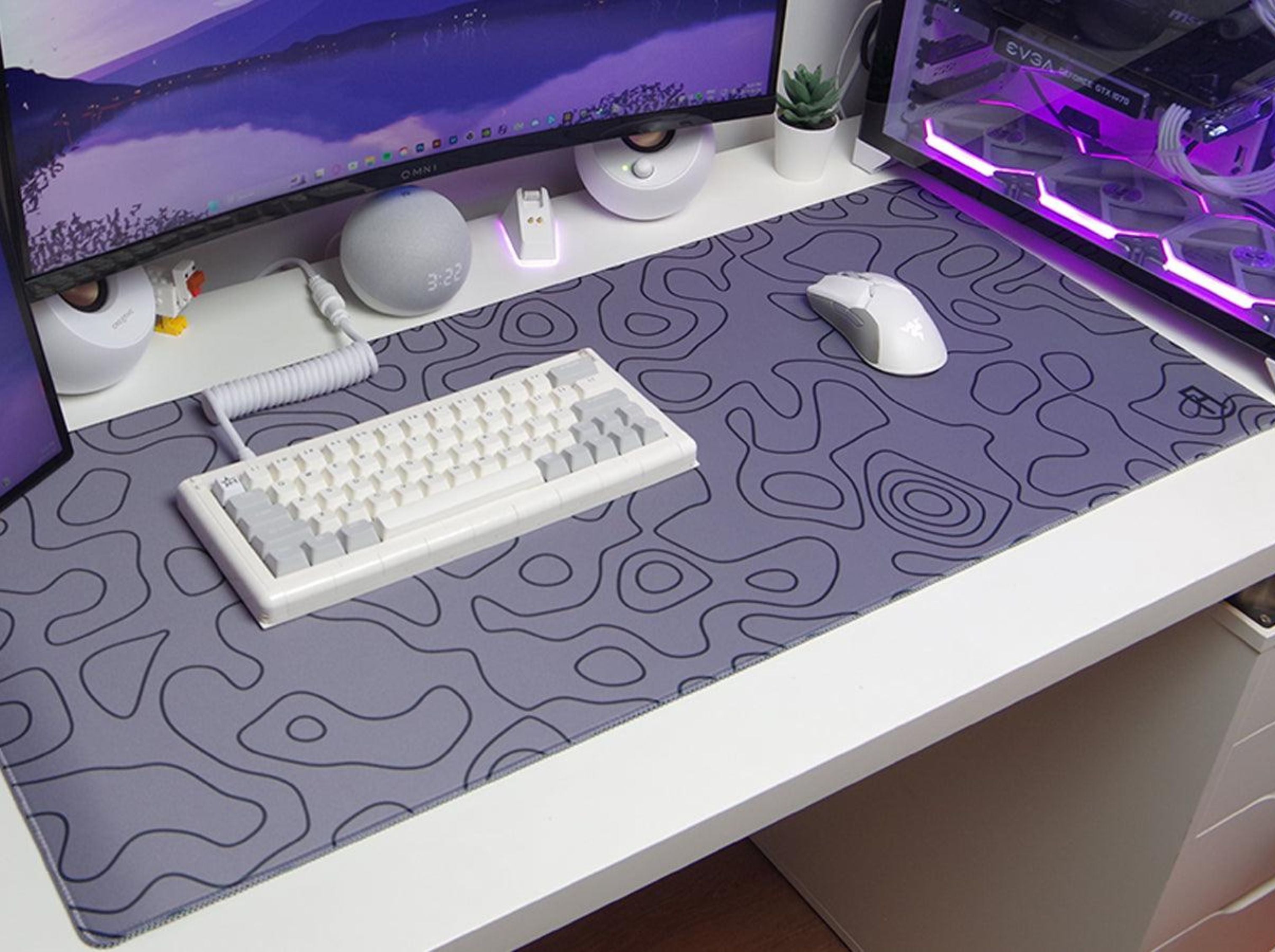
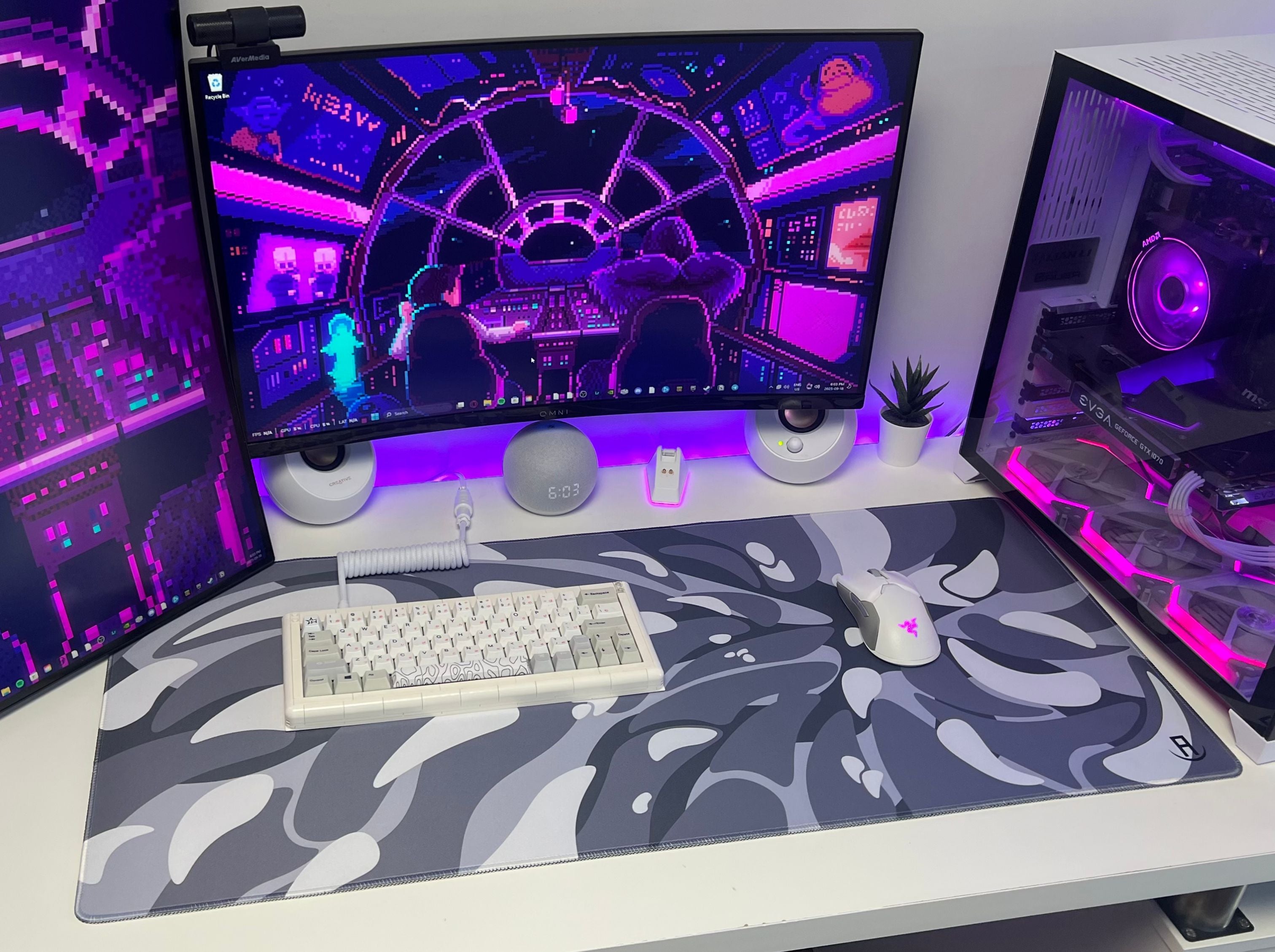
- Large / XL (90×40 cm or similar extended sizes): The sweet spot for most FPS and general gaming. You get full keyboard space plus plenty of room for low-sensitivity aiming and big sweeps.
- Full desk mats: Great if you want everything covered and a clean look, but they take more space and can be harder to clean.
Quick tip: Measure your current mouse movement. If you regularly hit the edges of your pad, go bigger. Most competitive players prefer extended pads so they never run out of room.
At AzurePads we offer both compact and extended sizes so you can match your desk and playstyle.
2. Thickness: Comfort vs. Precision
Thickness changes how the pad feels under your wrist and mouse.
- 1–2 mm: Faster, more direct feel. Less wrist support. Better if you like a hard surface.
- 3–4 mm: The most popular range. Good cushioning without feeling mushy. Protects the desk and reduces fatigue during long sessions.
- 5 mm+: Extra soft and supportive.
A 4-5 mm pad with a solid rubber base is a great all-rounder for both gaming and work-from-home use.
3. Surface: Speed, Control, and Feel
The surface decides how your mouse glides.
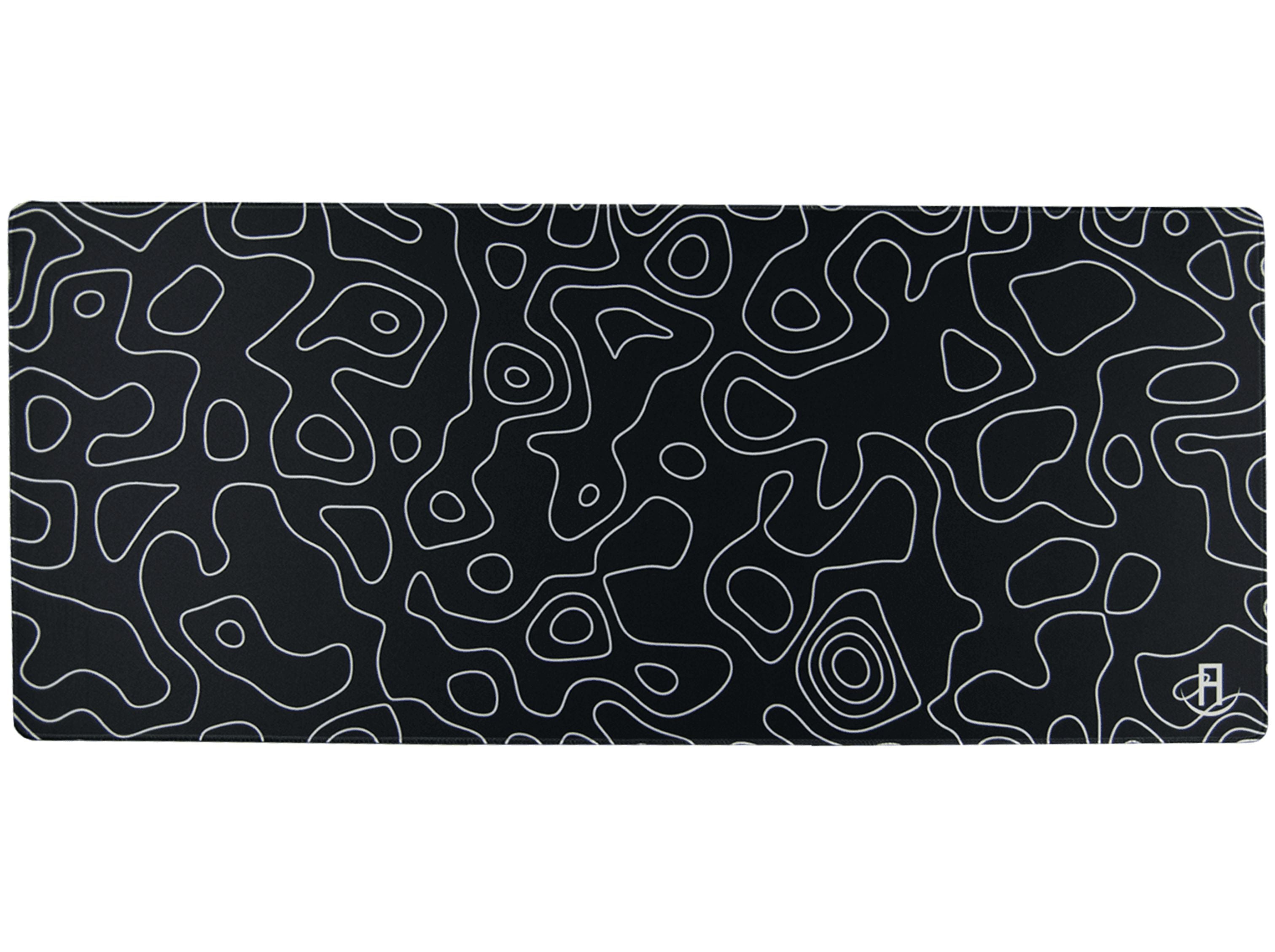
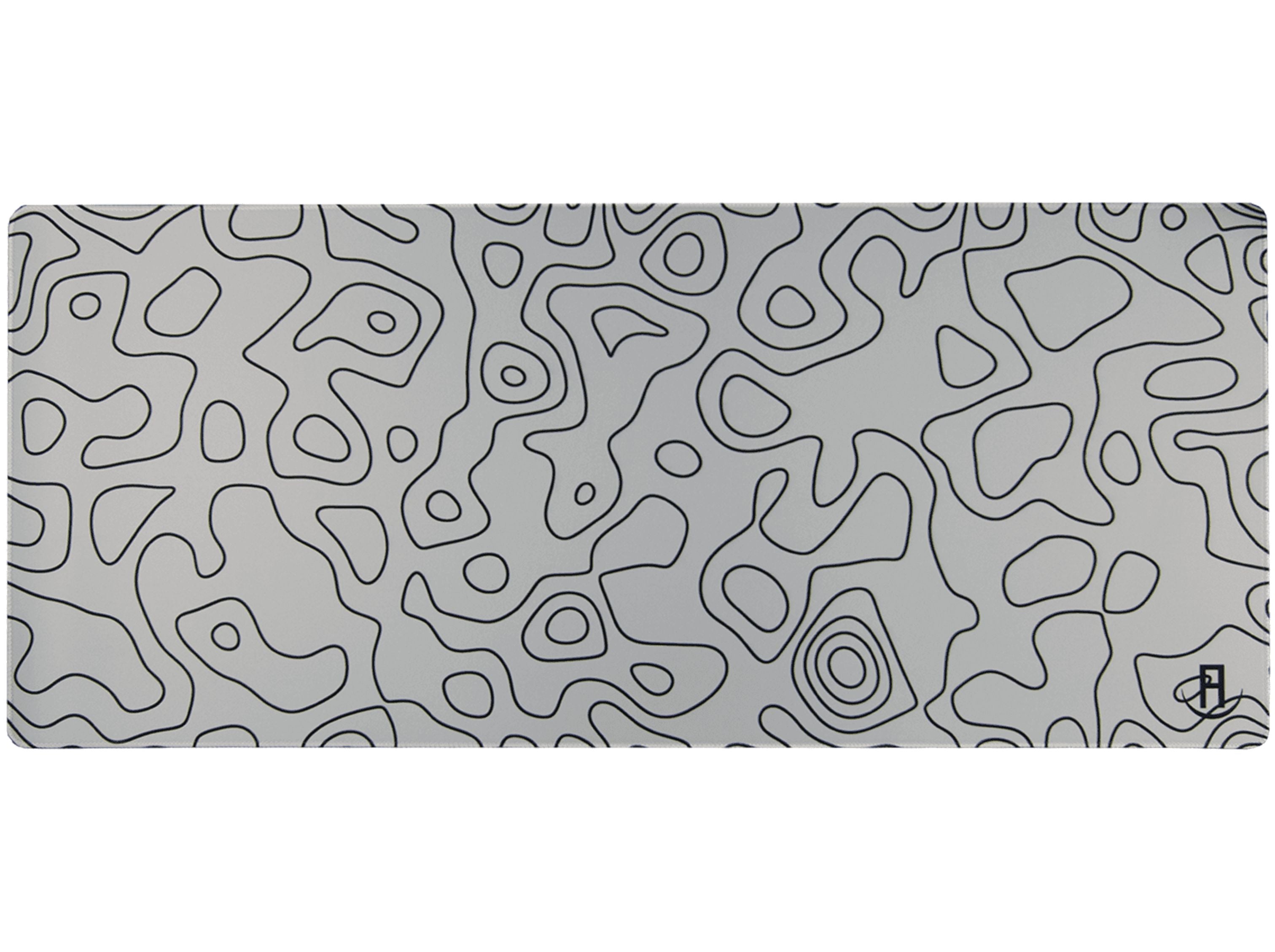
- Cloth surfaces: The classic choice. Consistent tracking, good for most mice, and easy to clean. Most topography and artistic designs use high-quality cloth.
- Hybrid / speed surfaces: Faster glide with less friction.
- Glass pads: Ultra-smooth, extremely consistent, and easy to wipe clean. They feel premium and look sharp, especially with geometric or topography designs.
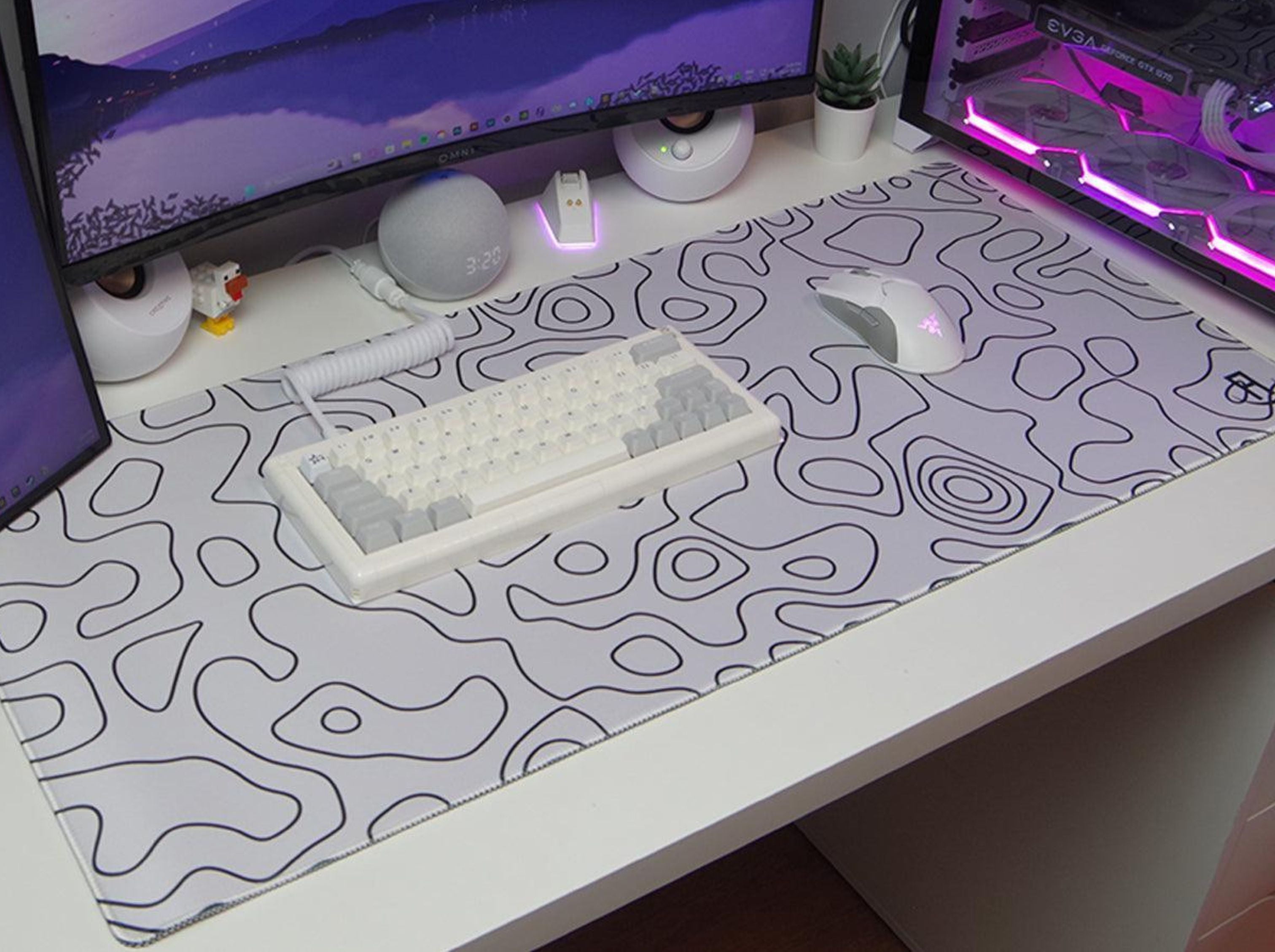
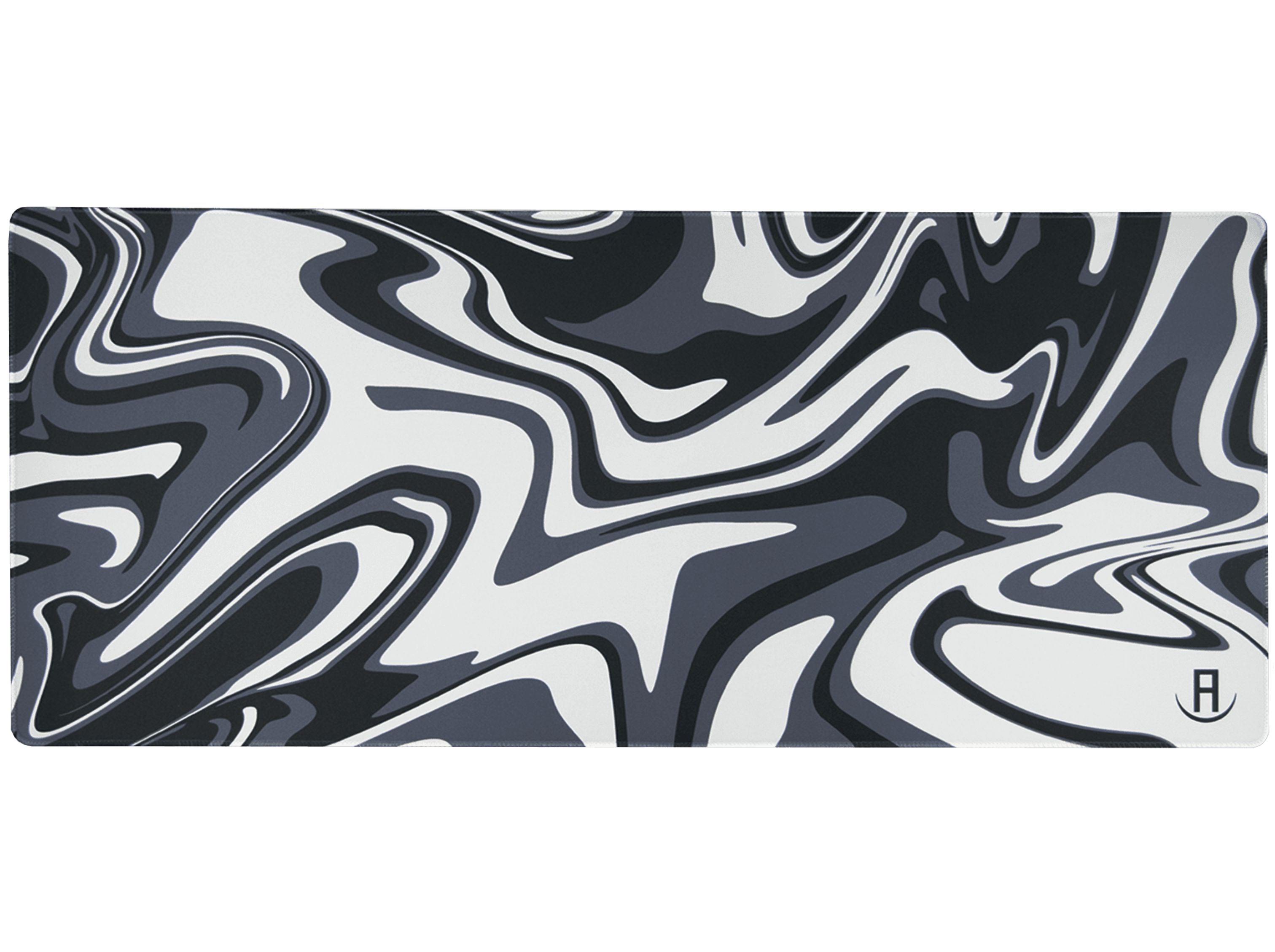
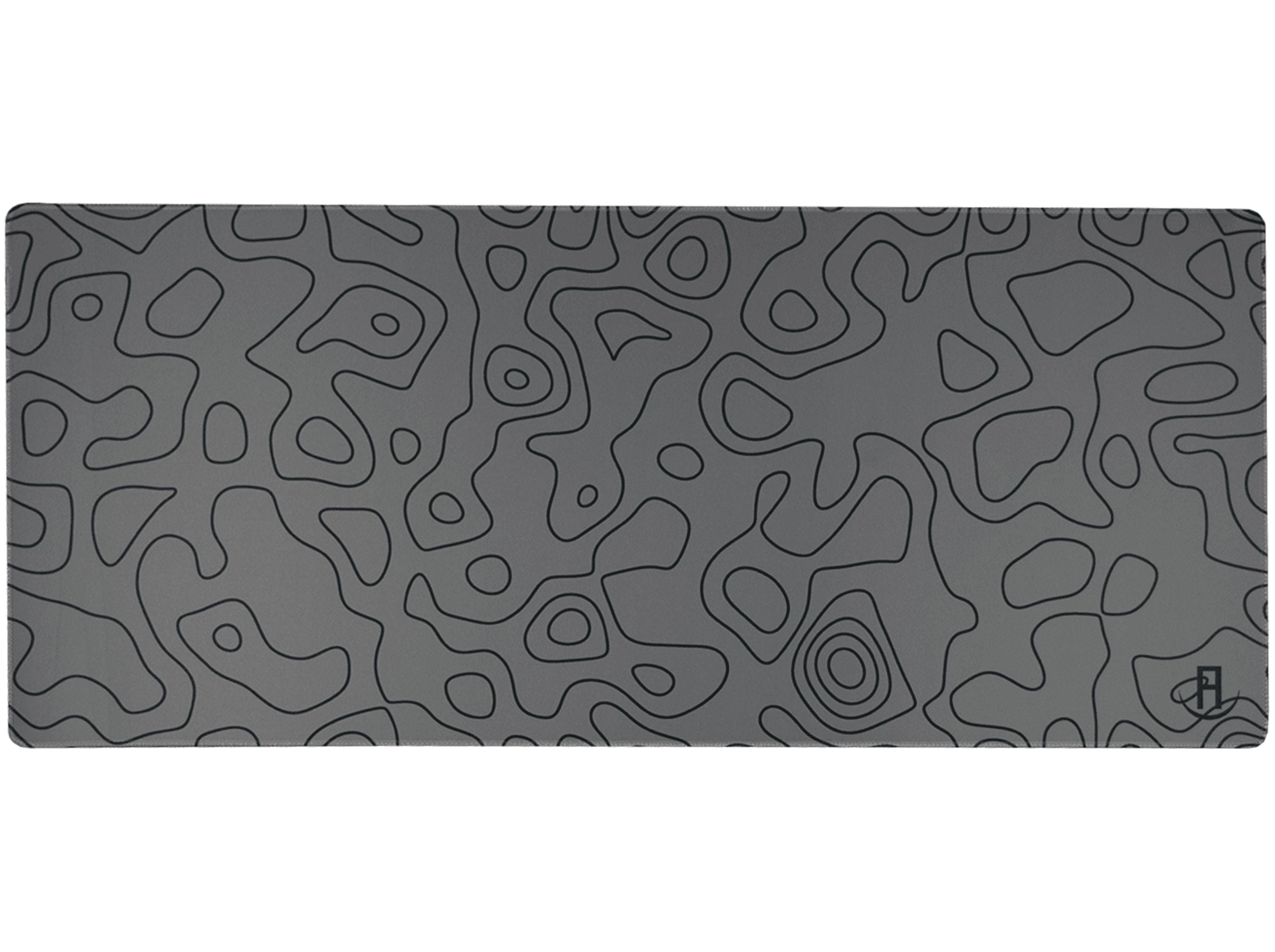
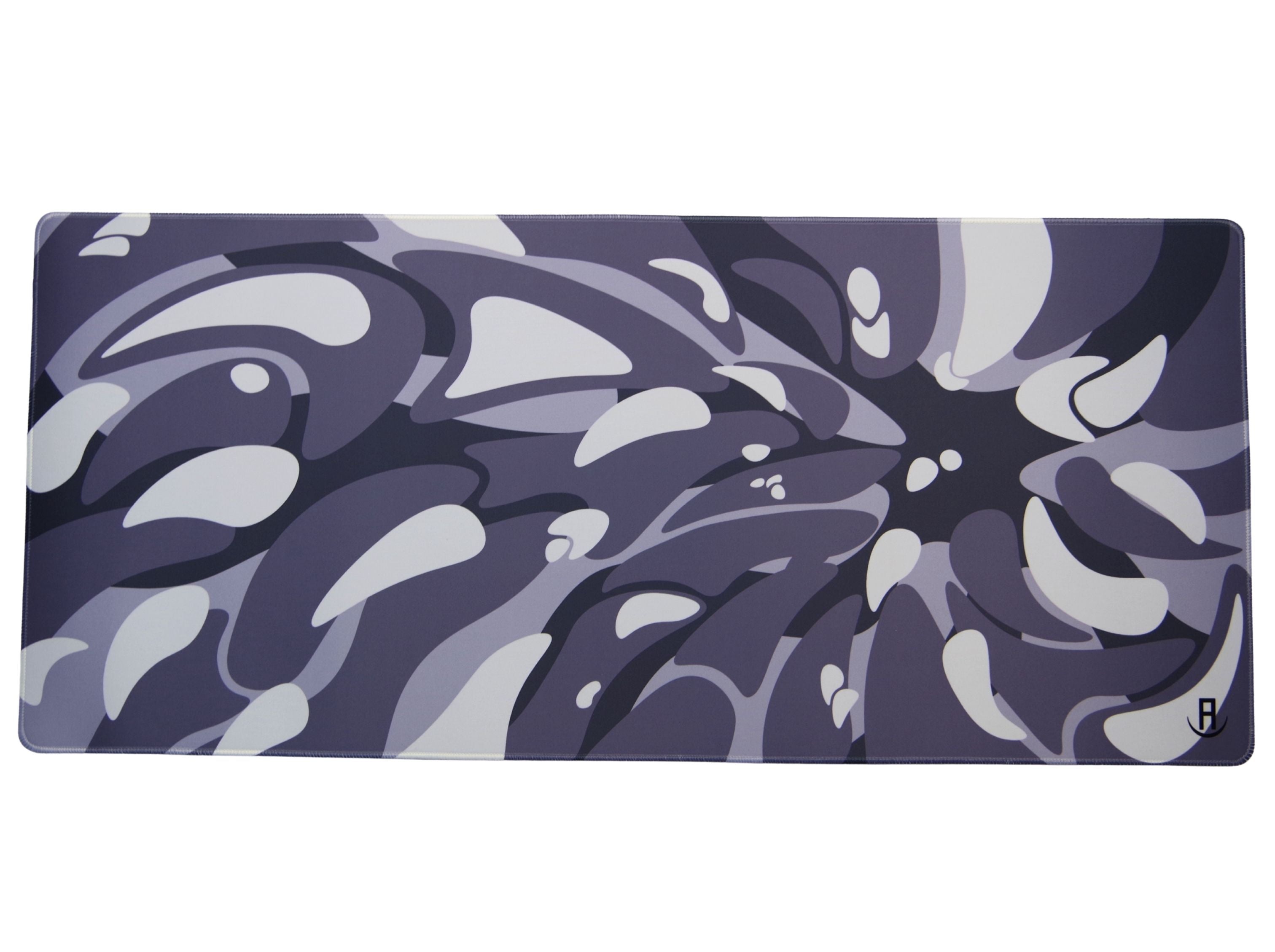
If you want something that looks as good as it performs, designs like topography or liquified patterns on cloth or glass give you style without sacrificing tracking.
4. Edges, Base, and Durability
- Stitched edges last longer and don’t fray.
- Natural rubber base keeps the pad from sliding during aggressive movements.
- Waterproof coating is worth having if you drink at your desk (we all do).
These details matter more than people think once you’ve used a pad for a few months.
5. Design and Aesthetics
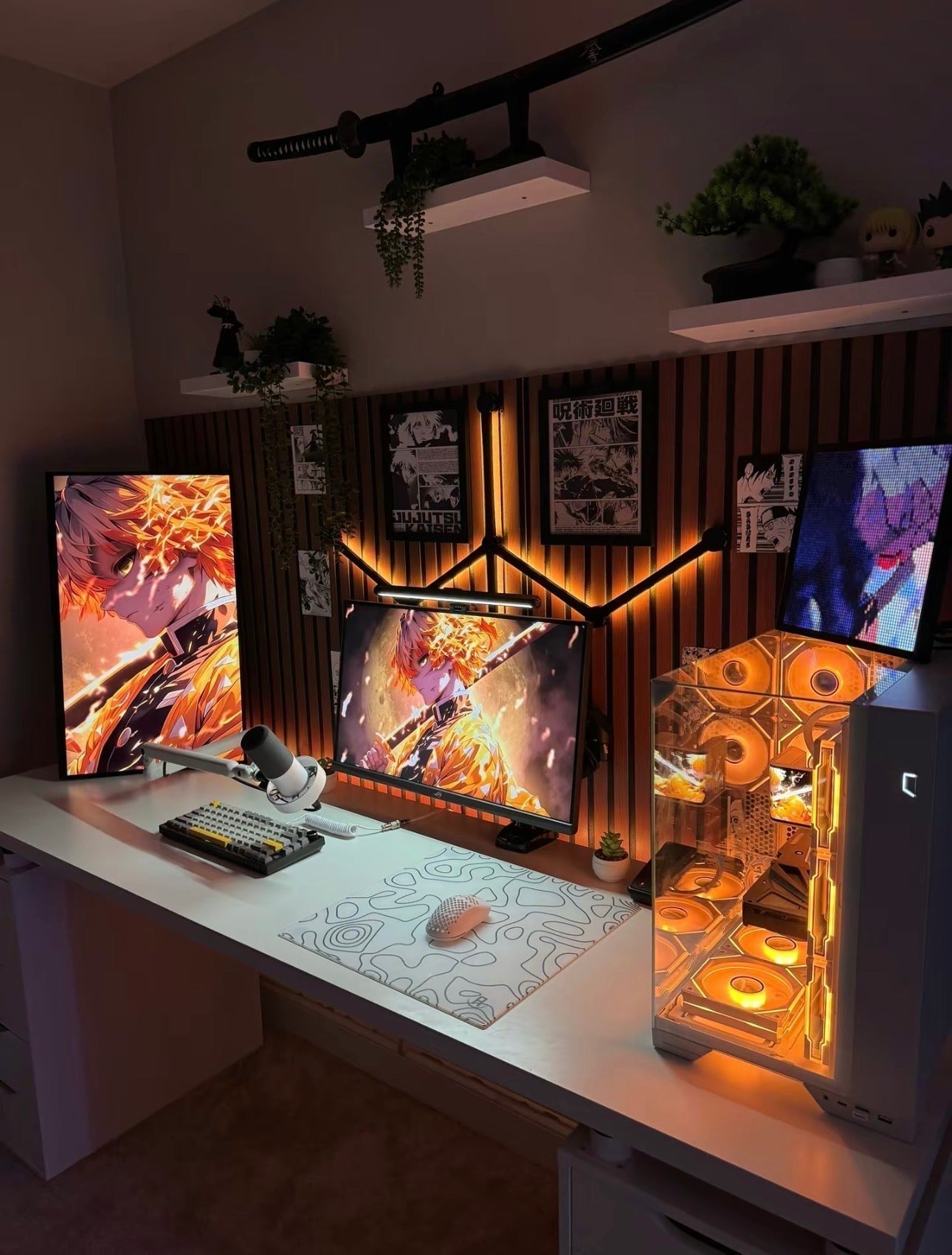
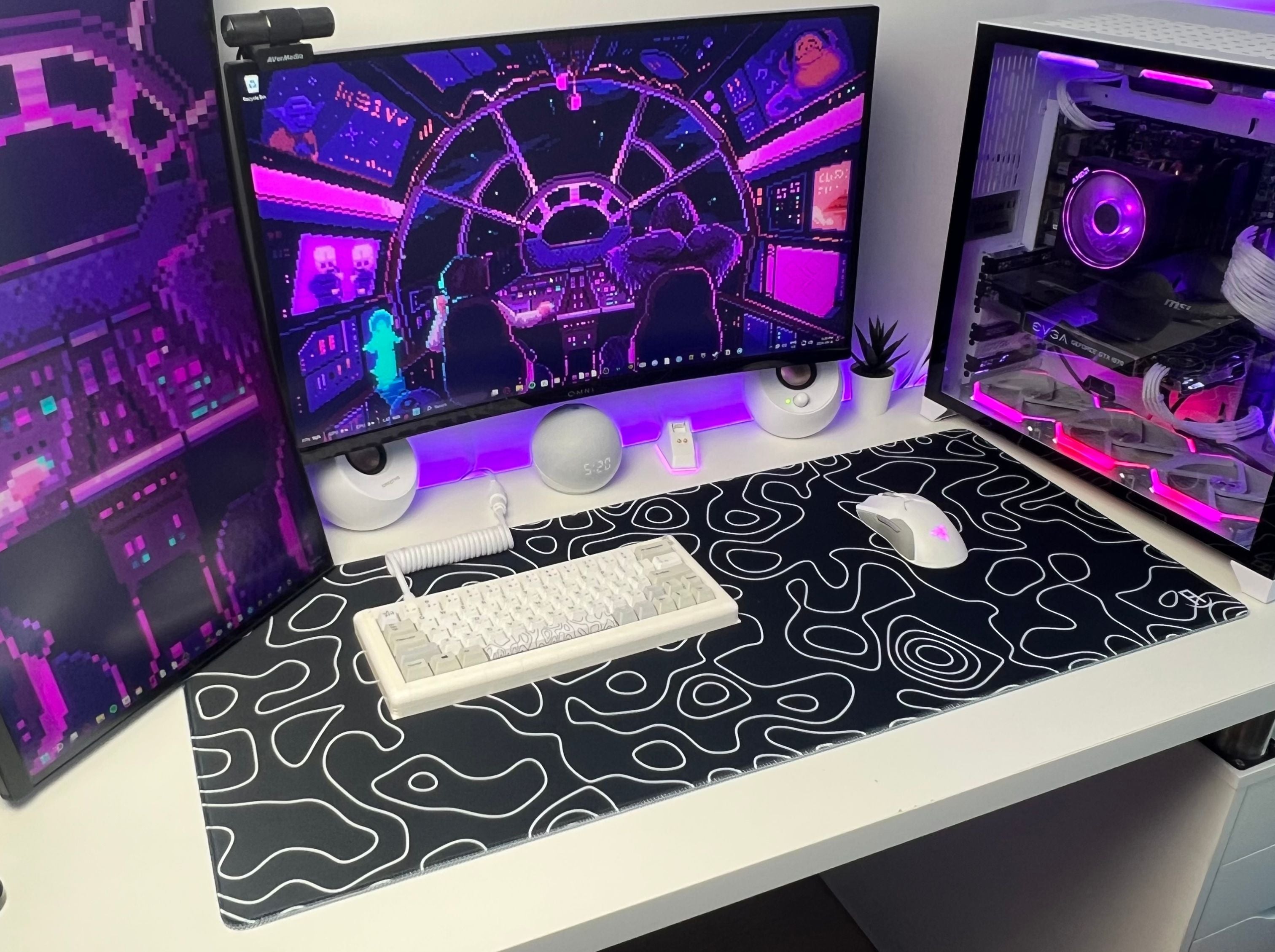
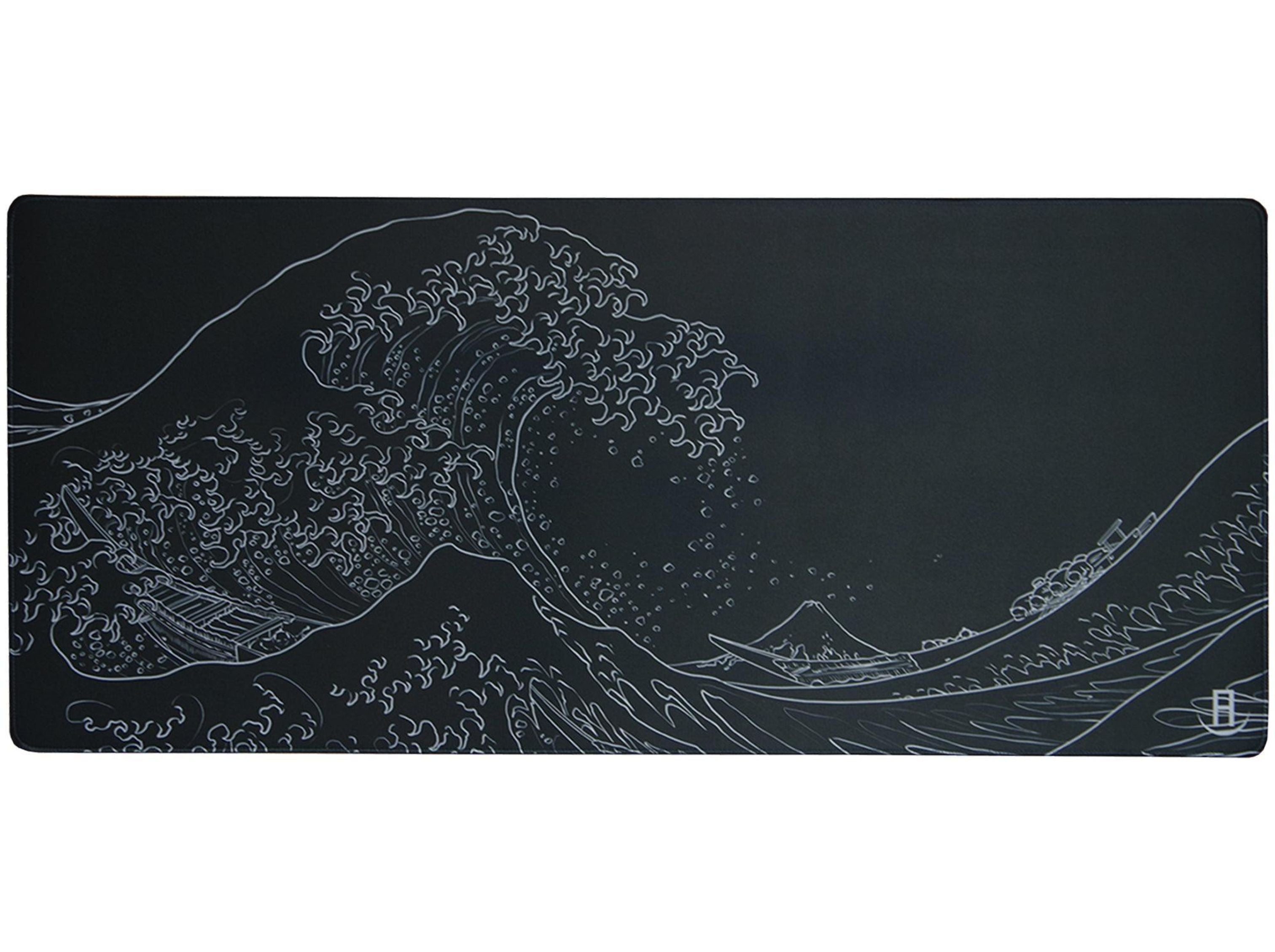
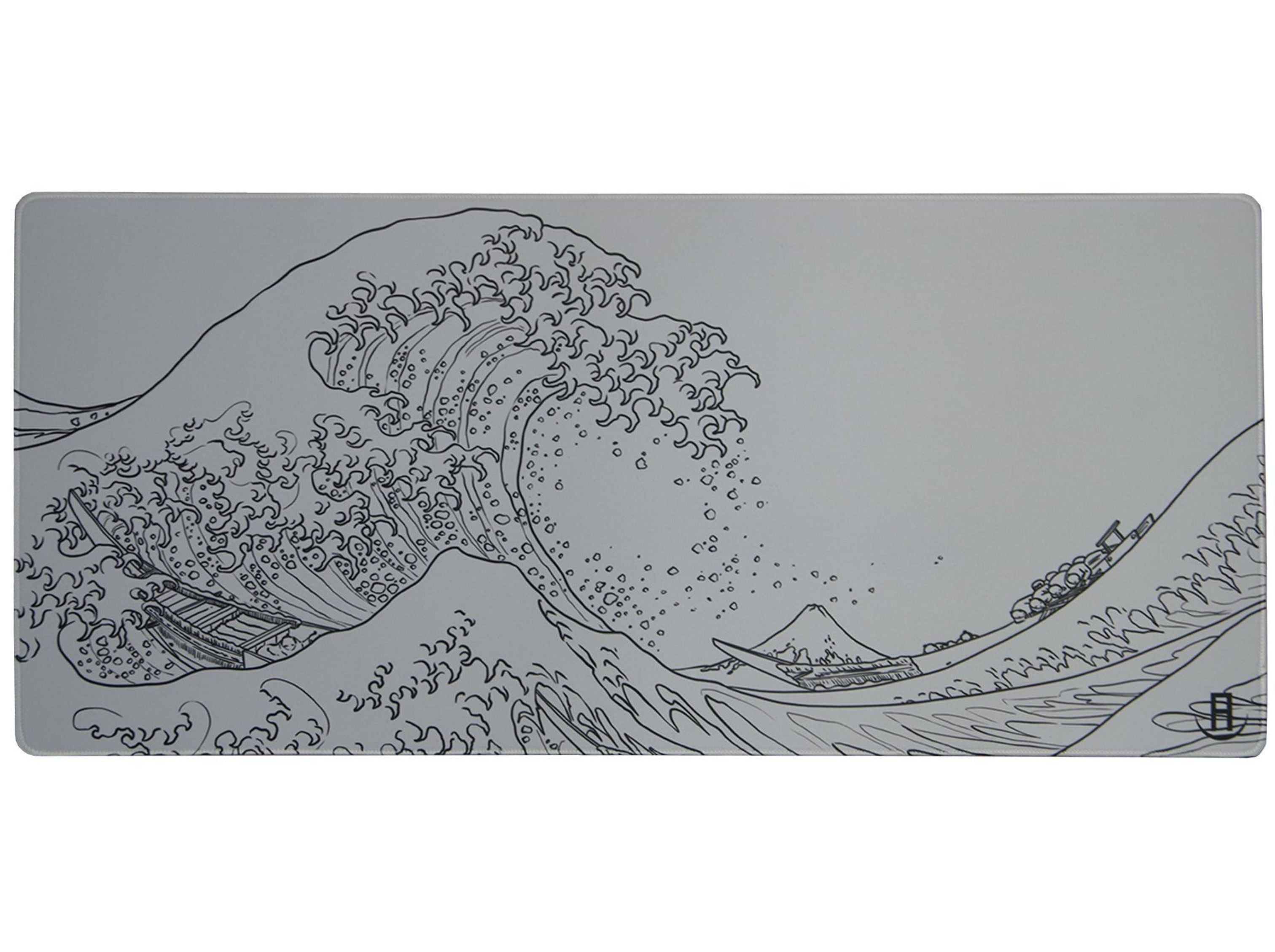
Function comes first, but your setup should also look good. Clean geometric patterns (like topography lines), artistic prints, monochrome swirls, or custom designs let you match your battlestation or keep a minimalist look.
A well-designed pad becomes part of the aesthetic instead of something you hide under the keyboard.
Quick Recommendation by Playstyle
| Playstyle | Size | Thickness | Surface |
|---|---|---|---|
| High sensitivity FPS | Medium/Large | 3–4 mm | Cloth or Glass |
| Low sensitivity / Big sweeps | XL / Extended | 4 mm | Cloth |
| Work + Gaming | XL | 4 mm | Cloth |
| Maximum smoothness | Any | — | Glass |
Final Thoughts
If you want to see how different sizes and designs feel in practice, check out our Topography Collection or Shop All desk pads. Free shipping across Canada on orders that qualify.
Got questions about sizing or which design fits your setup? Drop a comment or message us—we’re happy to help.
Designed in Canada 🇨🇦

Leave a comment
All comments are moderated before being published.
This site is protected by hCaptcha and the hCaptcha Privacy Policy and Terms of Service apply.